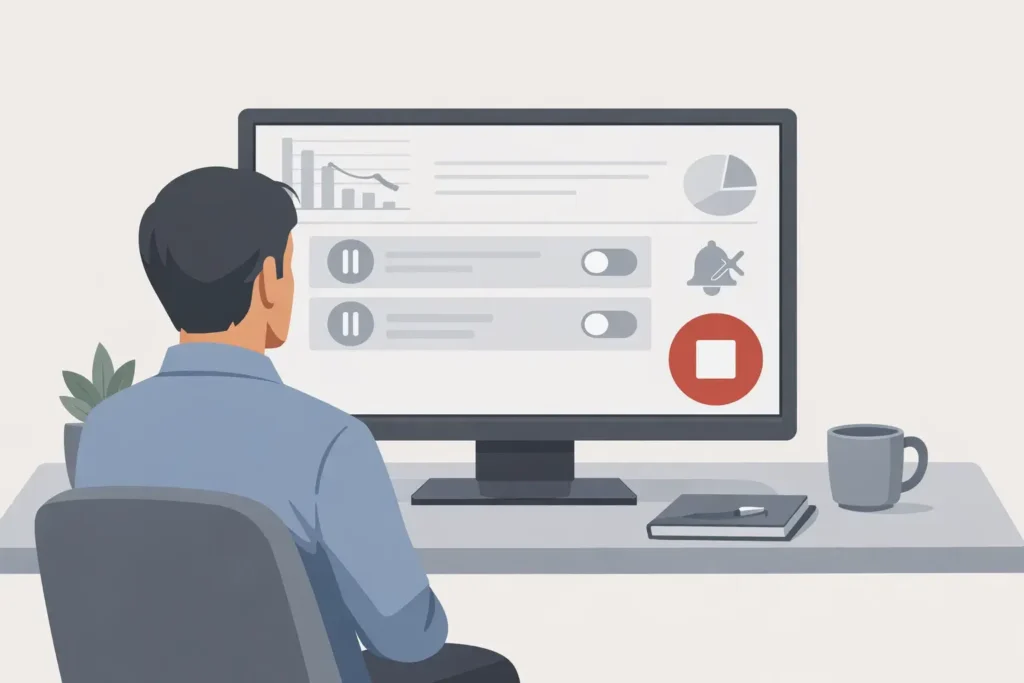
How to stop Google Ads? Know the easy step-by-step method
In today’s digital era , Google Ads has become a very effective advertising tool. But many times people either run ads unknowingly or want to stop them for some reason. If you also want to know “Google Ads kaise band kare?” , then this blog is for you.
In this blog, we will tell you how you can completely turn off Google Ads from mobile or computer .
🔍 Why is it necessary to close Google Ads?
Ads may have been enabled inadvertently
Budget is getting over spent
There was no need for any campaign
Freelancers or agencies have enabled ads
The trial campaign needs to be ended
🛠️ Google Ads Kaise Shut Down – Step by Step Guide
✅ Step 1: Login to Google Ads account
First of all go to Google Ads website and login with your Gmail ID, through which you ran the ads.
✅ Step 2: Go to the Campaign tab
After login, you will find the option of “ Campaigns ” on the left side. Click there.
✅ Step 3: Select the campaign you want to close
You will see all your running campaigns there. Select the specific campaign you want to turn off.
✅ Step 4: Pause or Remove the Campaign
Now there will be two options:
Pause : If you want to stop ads temporarily
Remove : If you want to stop ads completely
Right-click on the campaign or go to the “Edit” option above and select “Pause” or “Remove”.
✅ Step 5: Turn off Billing as well (Optional)
If you don’t want to use Google Ads for a long time, you can also turn off billing:
Tools & Settings > Billing > Settings
From there, click on the “Cancel your account” option.
Follow the instructions and confirm
📱 How to stop Google ads on mobile (on Android)
If you want to stop ads from mobile:
Open the Google Ads App
Go to the “Campaigns” tab below
Select Campaign
Tap the three dots (⋮) at the top
Tap “Pause” or “Remove”
❓ Does billing also stop if you pause the campaign?
No. Pausing the campaign stops the ads from showing, but if any automated billing is set up, it may continue. So make sure to check the Billing Settings.
🧠 Extra Tips
Ads will not run even if you set the budget to ₹0
Disable Automated Rules
Removing credit card info may stop billing (if you do not close the account at all)
📌 Conclusion
Now you must have understood how to stop Google Ads . It is an easy process, but keep in mind that if you have set up multiple campaigns or billing methods, check them one by one.
Even after turning off ads, you can start new campaigns anytime in the future.